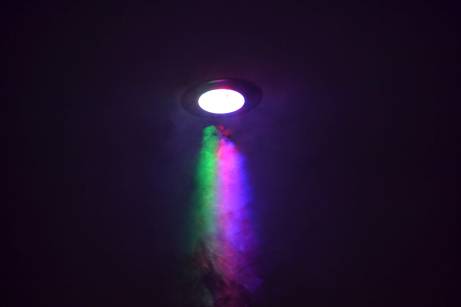
After looking through some of my photos from my camera, I found an image that I took by spraying some deodorant near a white light at home and got a nice rainbow effect. As the rest of the image is quite dark it reminded me a bit like some sort of galaxy. So, I used an image of stars and layered it over the top of the image on photoshop and used the eraser to make the spray pop out more.
The first cover I made was with the band name I wanted which was “Galactica” but I still felt unsure as to what I definitely wanted, once I added it to the image I realised that I wasn’t keen on it so I started thinking of other names that could possibly work.
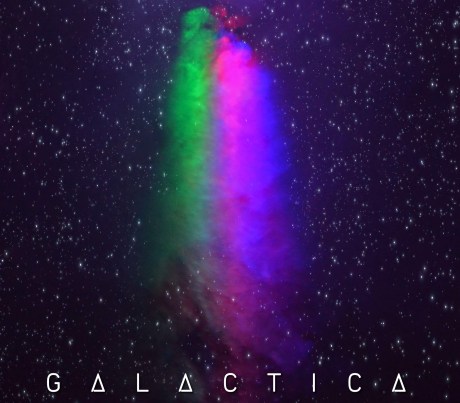
I also wasn’t too happy with the font that I used, but at the time it suited the name or that’s what I thought at that point. So I looked at different tutorials of photoshop text effects so I could get an idea of what sort of font I wanted to use.
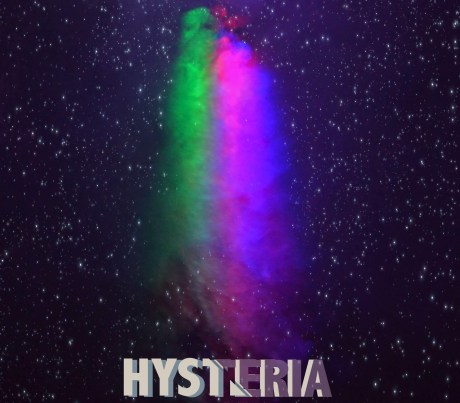
I tried different fonts and colour schemes to see what suited it best and I personally really like this font and how it came out. The purple part was an accident at first as I wanted the blue and purple in the background in order to give almost like a 3D effect, commonly blue and red. However, when I tried doing the sliced part of the text it accidentally got rid of the front part of the text, but I really liked the result.
Now, I am thinking of doing some other versions of this with different colours and try to see how I can develop it further.
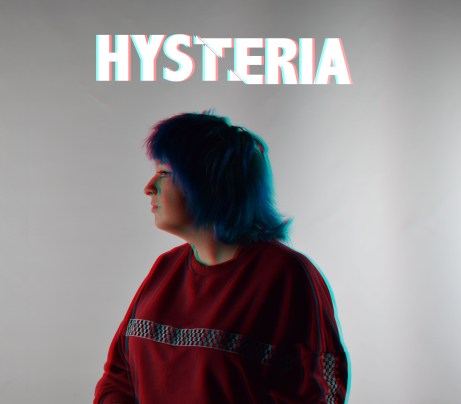
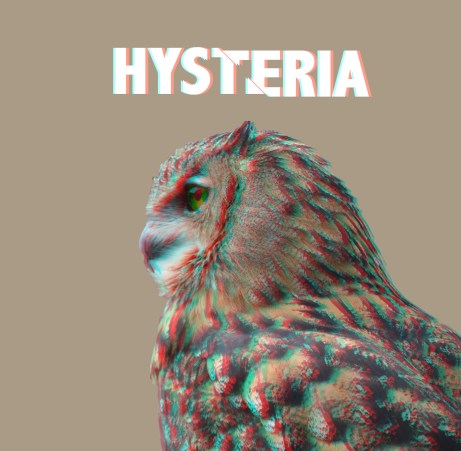
After some tweaking, I used a different photo and decided to go for the 3D effect. I actually prefer this to my other design as I really wanted to use that effect to give the image some more colour instead of just a model in the centre with a plain background. In the end I’m really happy with the result, plus it is such an easy method as I had seen so many other effects that were so complicated with too many layers and steps so, I decided to keep going with this effect.
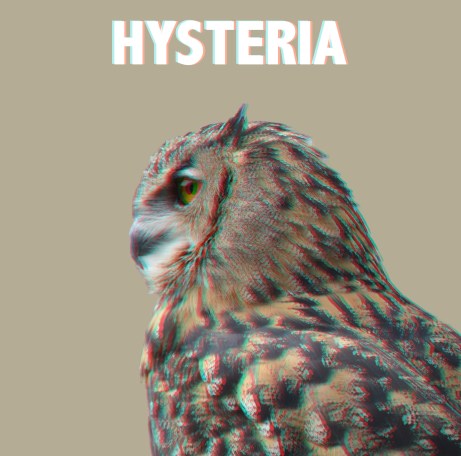
Once again, I had a look through my photos and decided to change the background. For now I chose a very simplistic colour scheme but I still liked how it looks as all the attention goes to either the main subject; the owl and then the title. I got the background by using the eyedropper tool on photoshop and tried out different shades of brown and beige.
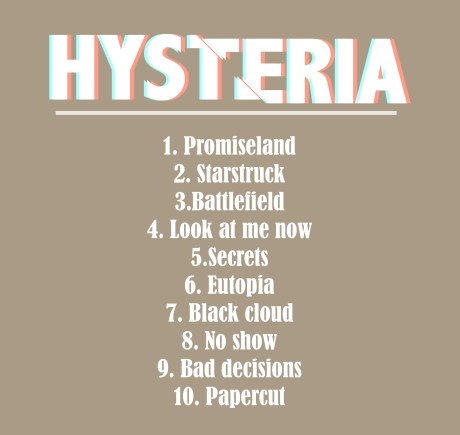
For the back of the cover. Although it’s very plain, I like it. The title and the song list have all the attention as there is nothing in background. At first I was thinking of trying to zoom in on the owl or something but soon changed my mind about it.
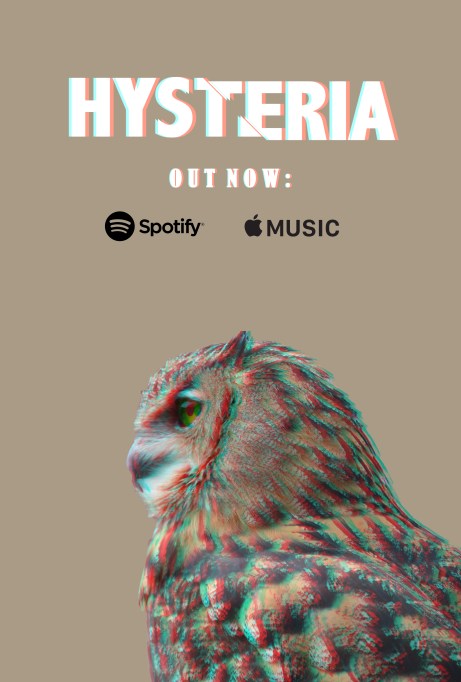
The promotional poster, once again the writing and the owl are the main focus of the poster which is exactly what I wanted. I was still unsure of the background but the colour goes well with the owl.
My most recent ideas changed drastically to what I first wanted, before I was adamant I was going to have different messages hidden within the cover itself. However the majority of my experimentations have nothing like that added in, but nevertheless I am happy with the result so far.
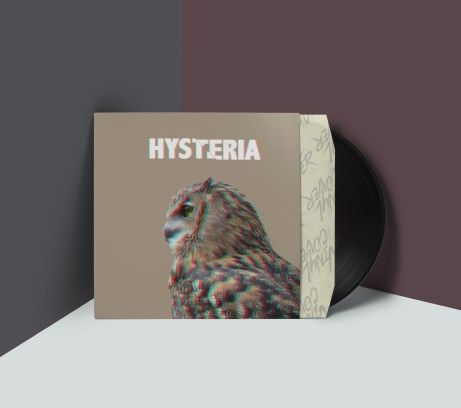
The vinyl cover came out better than I expected, I did change the colours in the background to match the cover as the background before was a lime green and didn’t suit the cover at all.
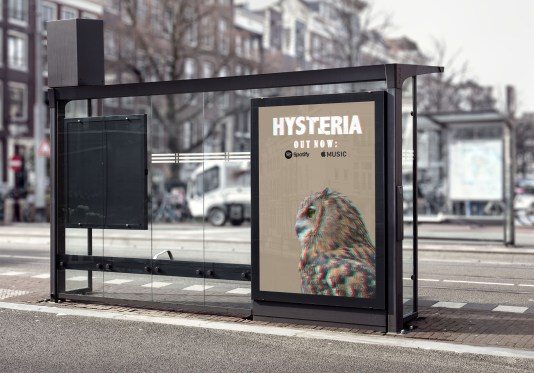
The next one I did was the bus stop shelter, which once again, I am very pleased with the results. I think it looks a lot better than I had thought as throughout all of this I had wondered if the cover was too plain but I think it helps draw attention to the main focus; the owl and the title.
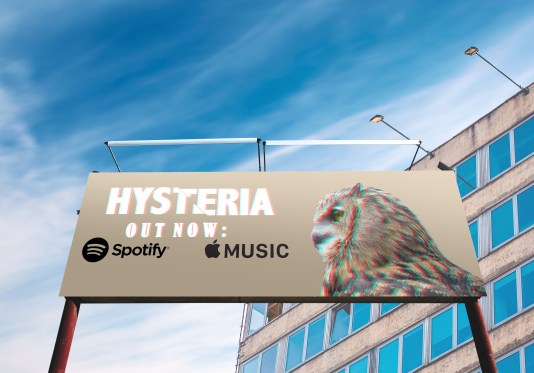
Lastly, I made the billboard. At first I had a bit of an issue with resizing the image but it came out very well.


 stevenson.snaps